Bloxstrap vs Microsoft Store (UWP) Roblox App: Key Differences
Bloxstrap runs the full Win32 desktop Roblox client with raw mouse input, Vulkan/D3D11 selection, and file mods, avoiding UWP cursor drift and lower frame pacing.
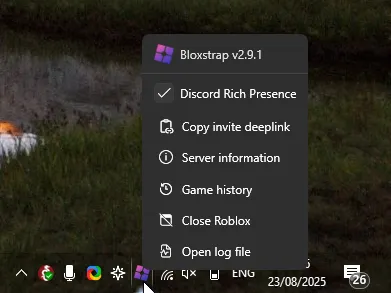
**Why players choose Bloxstrap:** Raw mouse input without UWP cursor escaping, full `Modifications` folder access, Discord RPC, and higher FPS stability.
**When Microsoft Store (UWP) Roblox App is used:** Sandboxed Store container for locked Windows S-Mode tablets.
How to switch cleanly on Windows
Installing Bloxstrap from /download automatically registers the `roblox-player://` protocol handler for your Windows user account. You do not need to delete your Roblox account credentials or browser cookies.
If you ever want to revert, uninstalling Bloxstrap in Windows Installed Apps automatically points `roblox-player://` back to the stock Roblox launcher.
Bloxstrap vs Microsoft Store (UWP) Roblox App Comparison Table
| Feature | Bloxstrap (Windows) | Microsoft Store (UWP) Roblox App |
|---|---|---|
| Mouse lock in shift-lock / first-person | Solid Win32 cursor lock | Cursor often hits top/bottom taskbar |
| Custom fonts, cursors & sounds | Full support via Modifications folder | Locked WindowsApps folder |
| Graphics API choice | Direct3D 11, Vulkan, D3D10, OpenGL | Fixed D3D11 UWP swapchain |
| Multi-instance launching | Built-in toggle in Integrations | Requires workarounds |
Frequently asked questions
Is Bloxstrap safer than Microsoft Store (UWP) Roblox App?
Bloxstrap launches the official signed `RobloxPlayerBeta.exe` binary and never hooks or modifies game memory, keeping your account completely safe.
Can I switch back to Microsoft Store (UWP) Roblox App anytime?
Yes. Uninstalling Bloxstrap from Windows Settings → Apps restores the default Roblox launcher handler in seconds.