Tuning Preferred Lighting Technology (Voxel, ShadowMap, Future) for your Windows hardware
Every Windows PC responds differently to Preferred Lighting Technology (Voxel, ShadowMap, Future). On integrated Intel UHD / Iris Xe or AMD Radeon Vega laptops, conservative settings keep GPU load under 90% and prevent thermal throttling.
On dedicated NVIDIA GeForce GTX/RTX and Radeon RX desktops, pairing `DFFlagDebugRenderForceTechnologyVoxel / FutureIsBrightPhase3` with a matched framerate cap in Engine Settings delivers the flattest frame-time graph.
How to apply and benchmark in 60 seconds
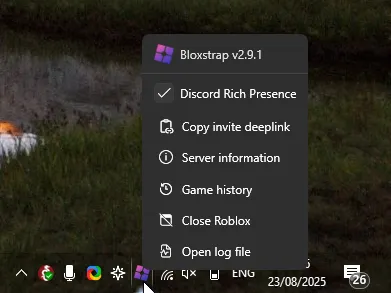
- Open **Bloxstrap Menu** (install from /download if needed) and go to **Engine Settings → Preferred lighting technology**.
- Select your target value from `Chosen by game, Voxel (Phase 1), ShadowMap (Phase 2), Future (Phase 3)` and click **Save**.
- Press **Shift+F5** inside Roblox to open the native microprofiler FPS readout and verify your frame time in milliseconds.
Frequently asked questions
How do I check my actual FPS and frame time inside Roblox?
Press **Shift+F5** in any Roblox experience to toggle the built-in performance stats overlay at the top left of the screen.
What if changing DFFlagDebugRenderForceTechnologyVoxel / FutureIsBrightPhase3 causes a white screen?
Open Bloxstrap Menu → FastFlags and reset your flags to default, or switch the Rendering Mode back to Direct3D 11.