Why Classic 'Oof' Death Sound stops applying
If Classic 'Oof' Death Sound does not appear in-game, either Roblox is still running in the background while you saved settings, or a conflicting file inside `%LocalAppData%\Bloxstrap\Modifications` is overriding `content/sounds/ouch.ogg`.
Close `RobloxPlayerBeta.exe` completely in Task Manager before clicking **Save** in Bloxstrap Settings so the bootstrapper can write the file on the next launch.
3-step repair checklist
- Open **Bloxstrap Menu** → **Mods → Use old death sound**, toggle the option off and back on, and click **Save**.
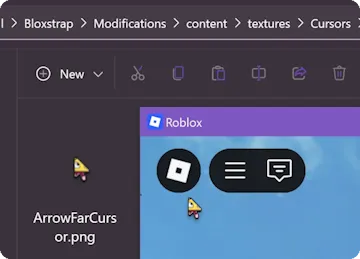
- Check Open Mods Folder to verify no corrupted 0-byte file sits at the same relative path.
- Ensure you are launching Roblox through Bloxstrap (or update your install from /download) rather than the Microsoft Store app.
Frequently asked questions
Why did my mod disappear when I launched from the browser?
If the official Roblox updater overwrote your protocol handler, launch **Bloxstrap Menu** once and click Save so Bloxstrap re-registers `roblox-player://`.
Does Bloxstrap need administrator rights to apply this mod?
No. Both Bloxstrap and Roblox live inside your user `%LocalAppData%` directory, which is writable by standard Windows accounts.